 Verso Suite
 Verso Build
Run and bill the job: budget, materials and orders, pay apps, change orders, RFIs, schedule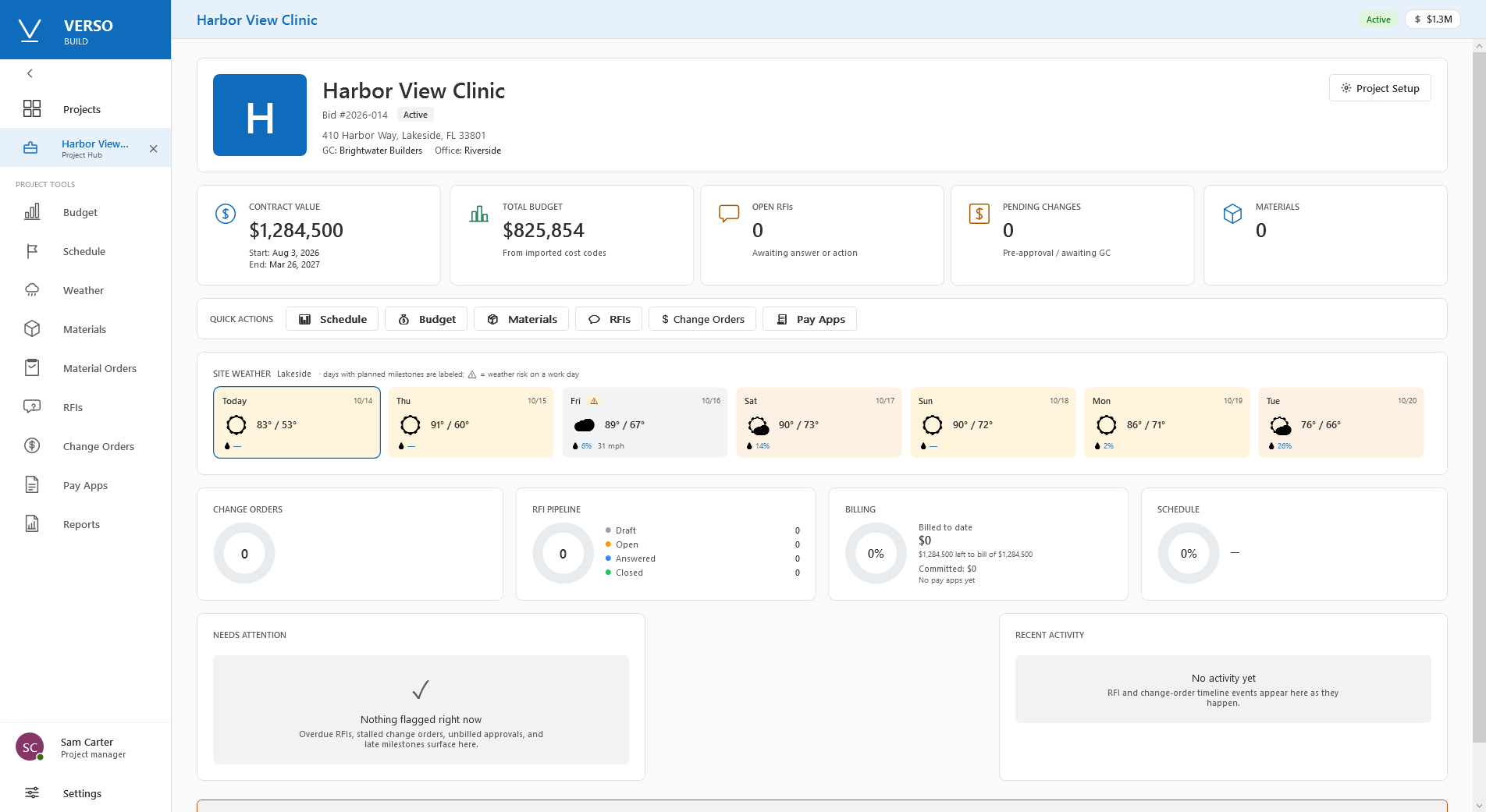
WHAT IT DOES
- Portfolio: every job, its contract value, percent complete, billed, open RFIs, pending changes, budget health.
- Budget by phase and cost code against the sold figure: labour, material, other, committed, billed, remaining.
- Materials and purchase orders: what is needed, ordered, delivered, outstanding, with deliveries recorded.
- Pay applications on the schedule of values; change orders against the contract; RFIs with their timeline.
- Milestones and the weather delay log, day by day, with the conditions kept for a time-extension request.
- Reports as PDF on the company letterhead: change order log, RFI log, financial summary, procurement log, schedule status, weather delays; mailed from Outlook.
WHO IT IS FOR
- The project manager, the superintendent and the office, on the job the estimator sold.
- Windows desktop; the data in a local file or on the company SQL Server. Bought once; the 30-day trial needs no card.
SCREENSHOTS
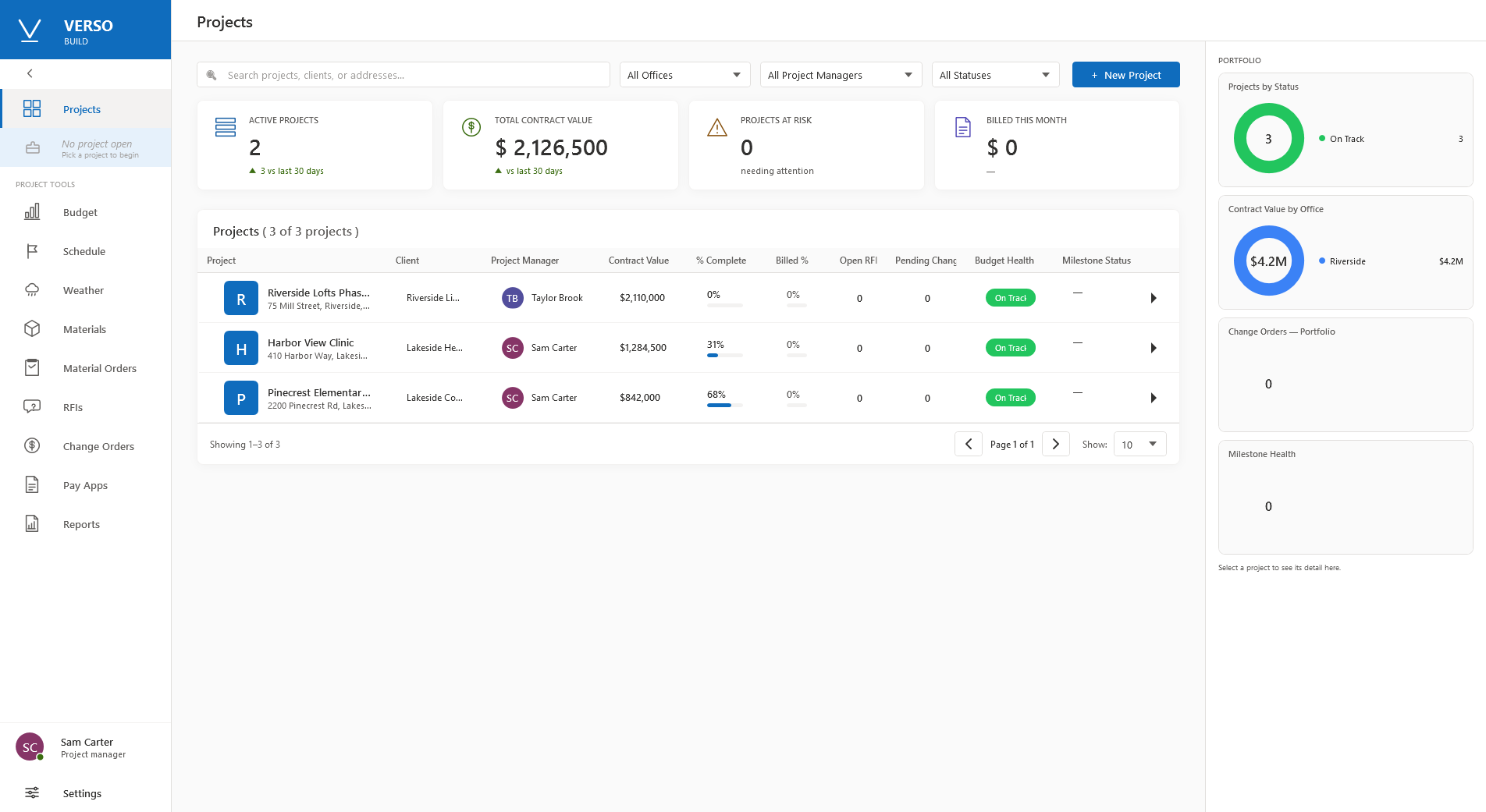
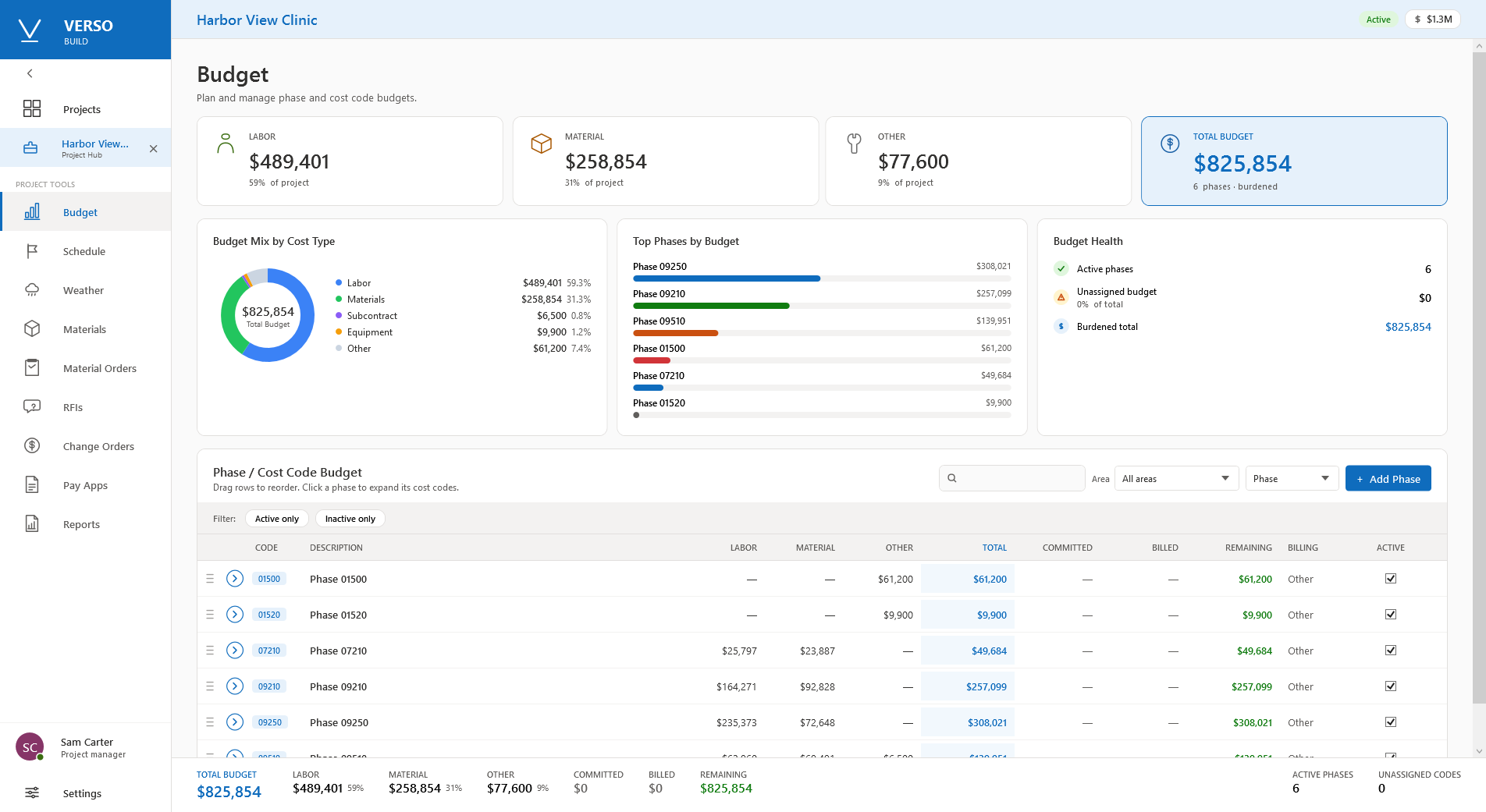
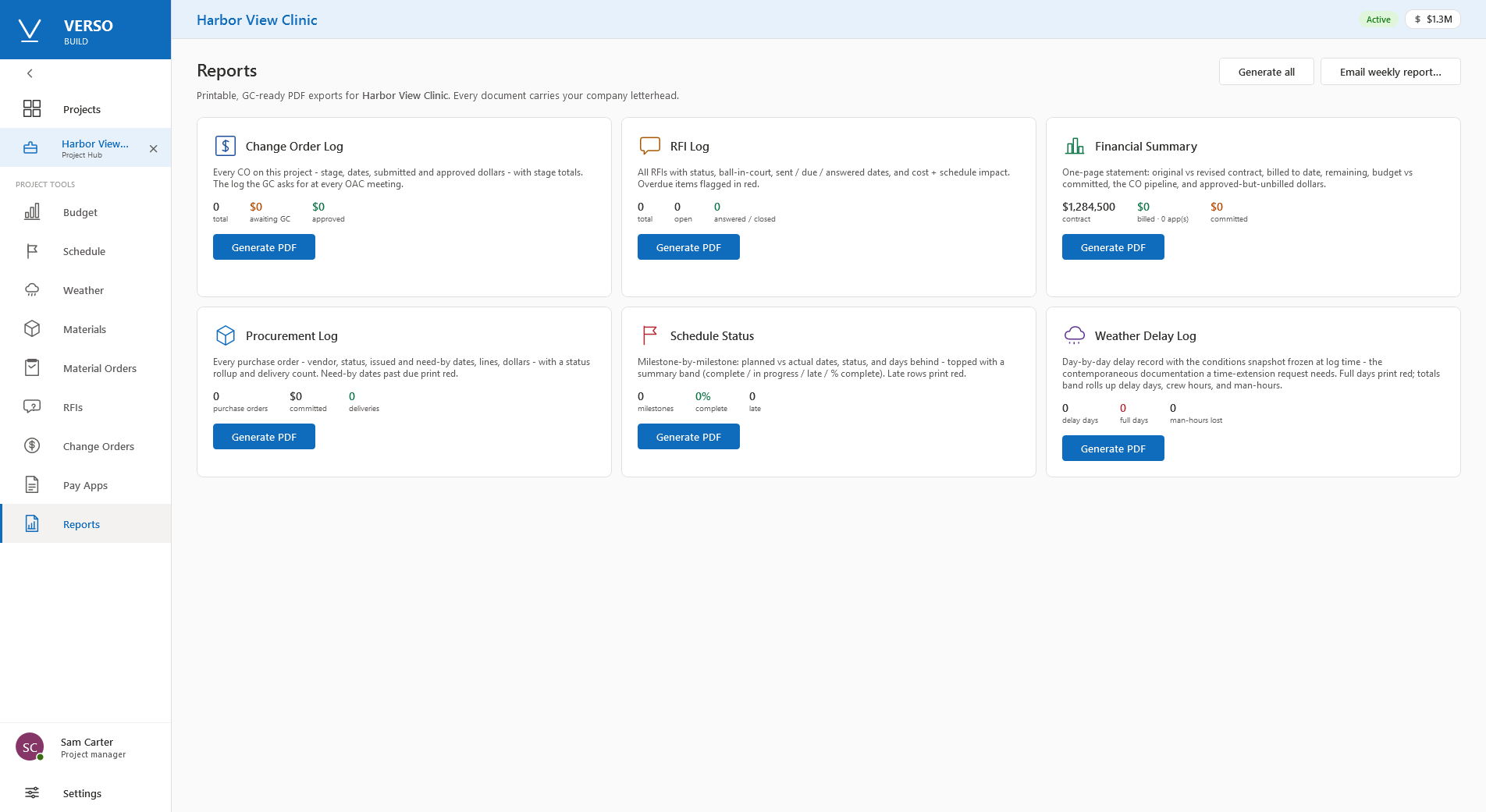
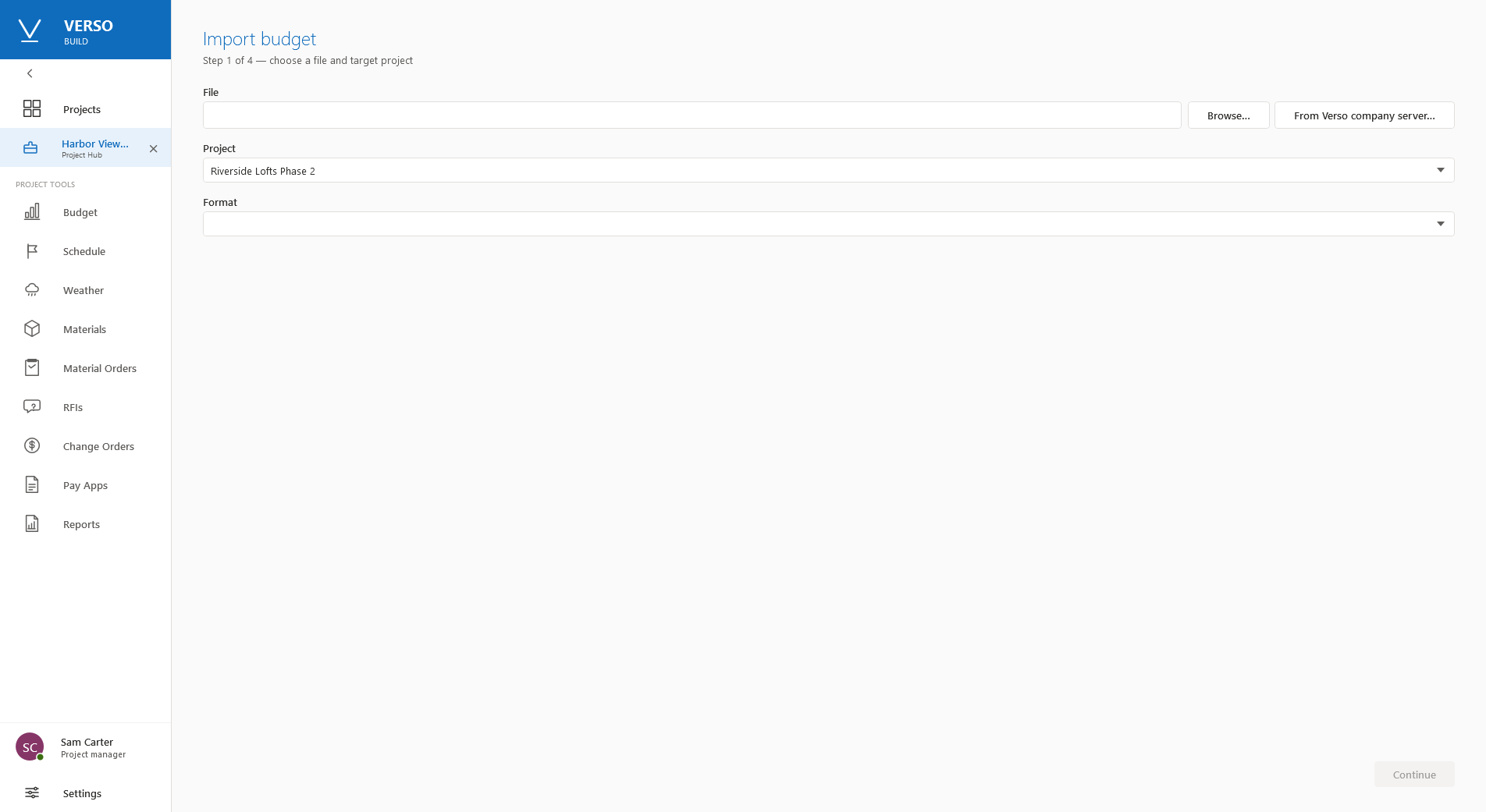
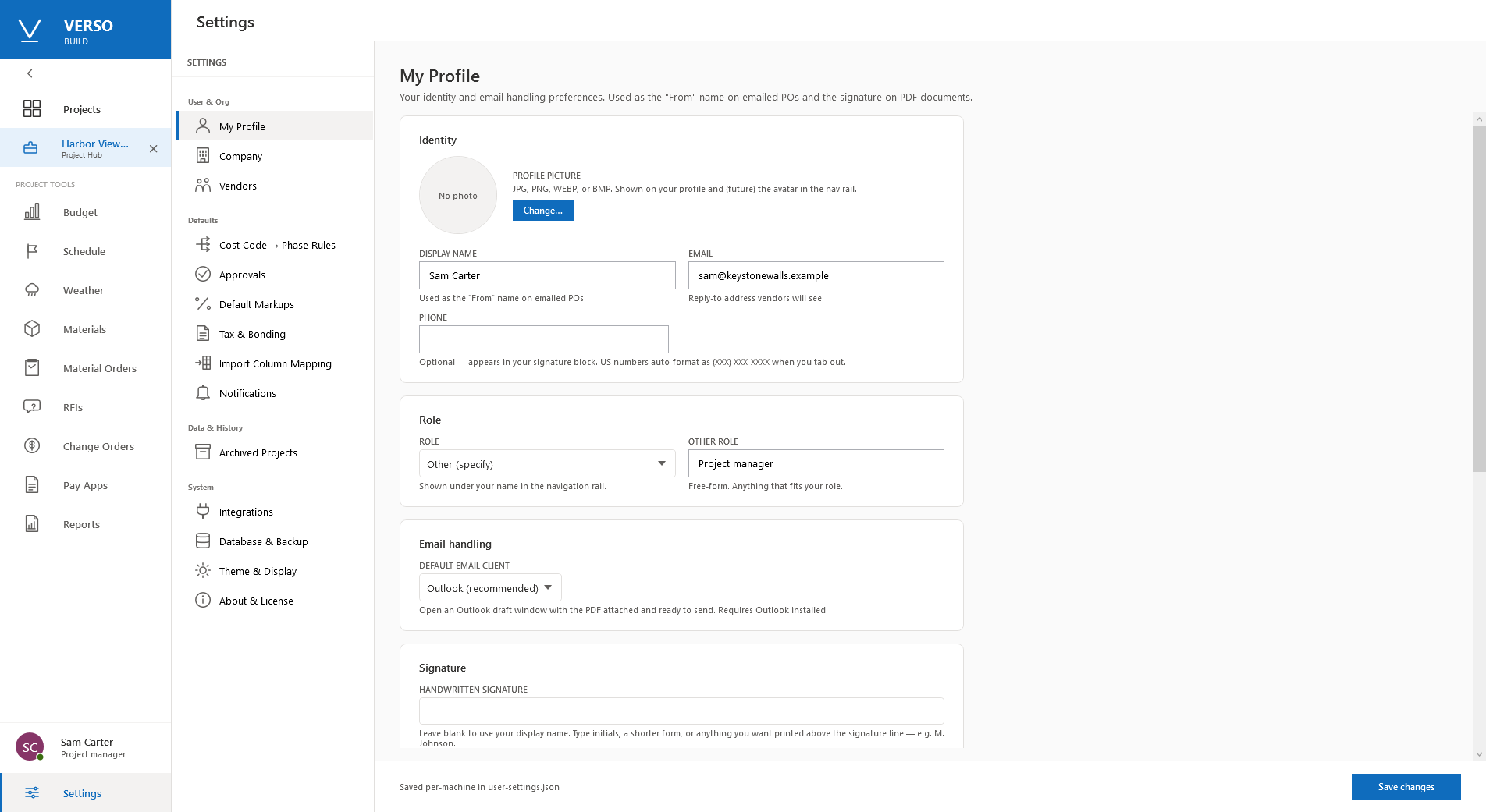
Materials, orders, pay apps, change orders, RFIs and milestones each have a page of their own in the app; they are shown here once the demo job carries them. The full description is on its page at deselt.com.
FROM ESTIMATING TO THE JOB
- From a file: the sold bid's job cost in the Job Cost layout from Verso Plans' Reports page, or the same export from BuzzBID or Quick Bid, one line per area, type and accounting code, becomes the budget.
- From the company server: Settings, Integrations, Verso company server takes the server and the Build reader login; Import budget, From Verso company server lists the jobs the office awarded in Verso Manager and reads the picked job's cost lines as the budget. Nothing is exported and nothing is written back.
- For integrators: six read-only views on the company database carry the jobs, the bids, the job cost, the plan files, the documents and the proposals; a reader login sees the views and nothing else. The contract document is available from Support.
HELP
Starting a job from a won bid
- With a company server: Settings, Integrations, Verso company server; enter the server, the database and the reader login the Manager's administrator made; Test.
- Import budget, From Verso company server, pick the job; Continue reads its job cost as the budget lines by area, type and code.
- Without a server: in Verso Plans, Reports, Job cost, export the sold bid; in Verso Build, Import budget, Browse to the file.
Change orders
A change order is priced in Verso Plans as a bid of its own under the sold bid, at the change order rates. In Verso Build it stands against the contract with its stage, its dates and its submitted and approved amounts, and the change order log reports them.
Savings
The production copy of the sold bid is where buyout happens. Sold less production is the saving, shown on the Manager's Awarded page as it moves and carried into the budget.
Requirements
Windows 10 or 11, 64-bit. A licence key from deselt.com. Verso Plans and Verso Manager are not required; the hand-off from them is optional. The data lives in a local file, or on SQL Server for an office with several desks.