 Verso Suite
 Verso Inbox
Estimating e-mail turned into tracked follow-ups, with due dates and the days you have been waitingVerso Inbox in two minutes: the dashboard of an estimating desk, the mail turned into tracked items, the days you have been waiting counted, one item with its e-mails and activity, the table, the calendar, the contacts, the timeline, the settings.
WHAT IT DOES
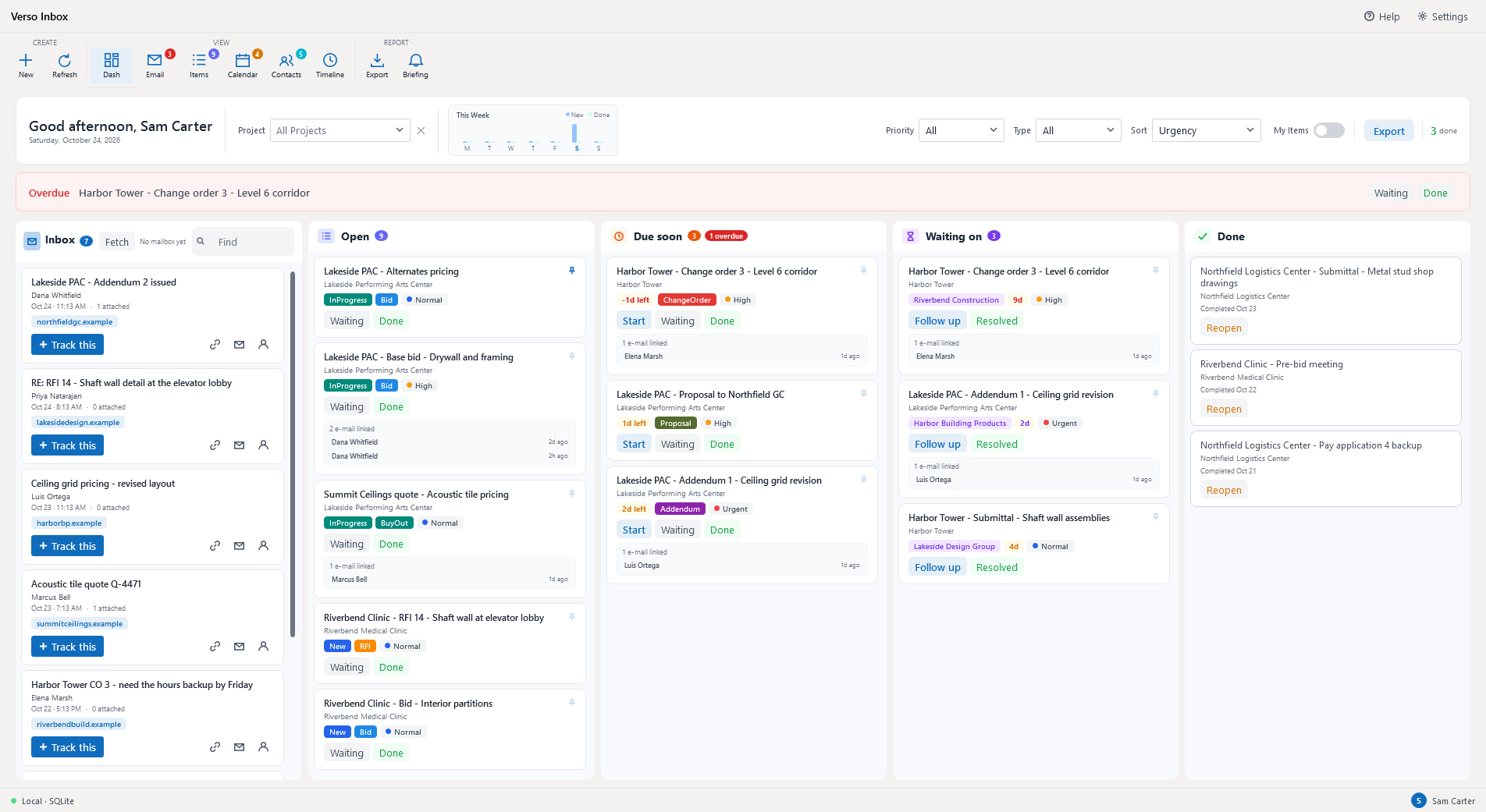
- A dashboard of five columns: the mail from your mailbox, then Open, Due soon, Waiting on and Done. Overdue items sit in a band above the board until they are dealt with.
- Track this turns an e-mail into a work item with the sender, the date and any due date it mentions filled in; Link attaches it to an item you already have; the auto-linker matches mail to items by thread, subject, sender and contact on its own.
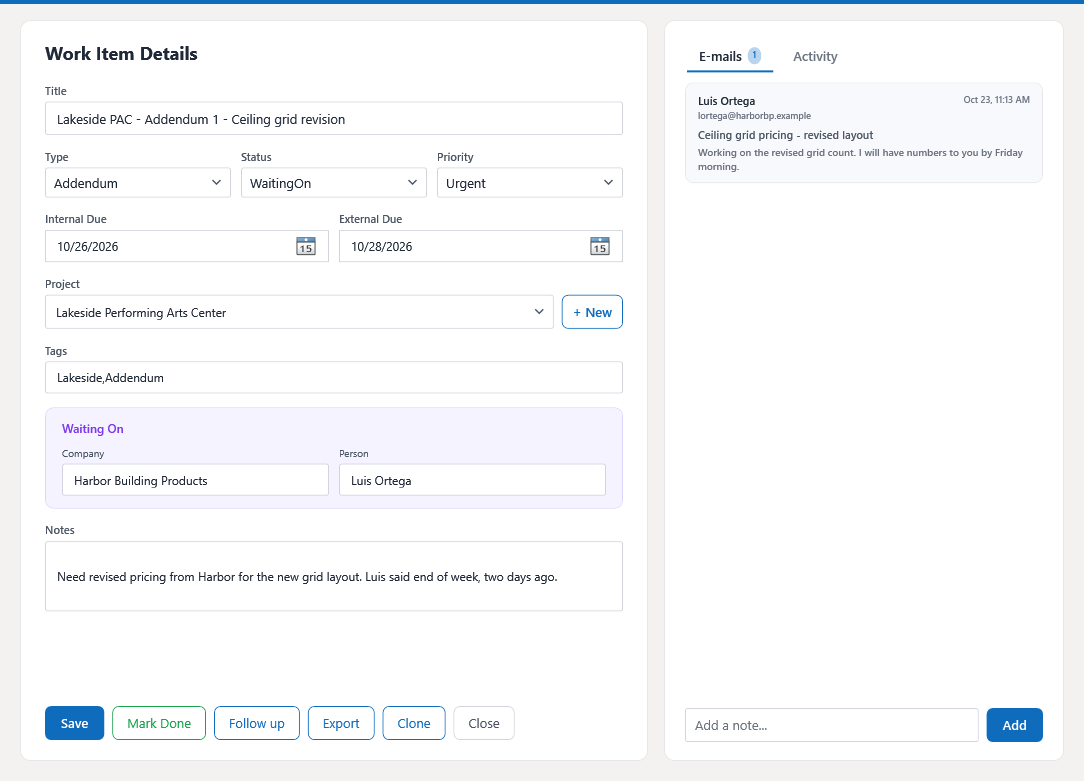
- Every item knows who it is waiting on and counts the days. Follow up sends a reminder from a template; Resolved brings the item back to you.
- Bids, addenda, RFIs, submittals, change orders, buy-outs and proposals as types, with your own statuses, priorities and colours.
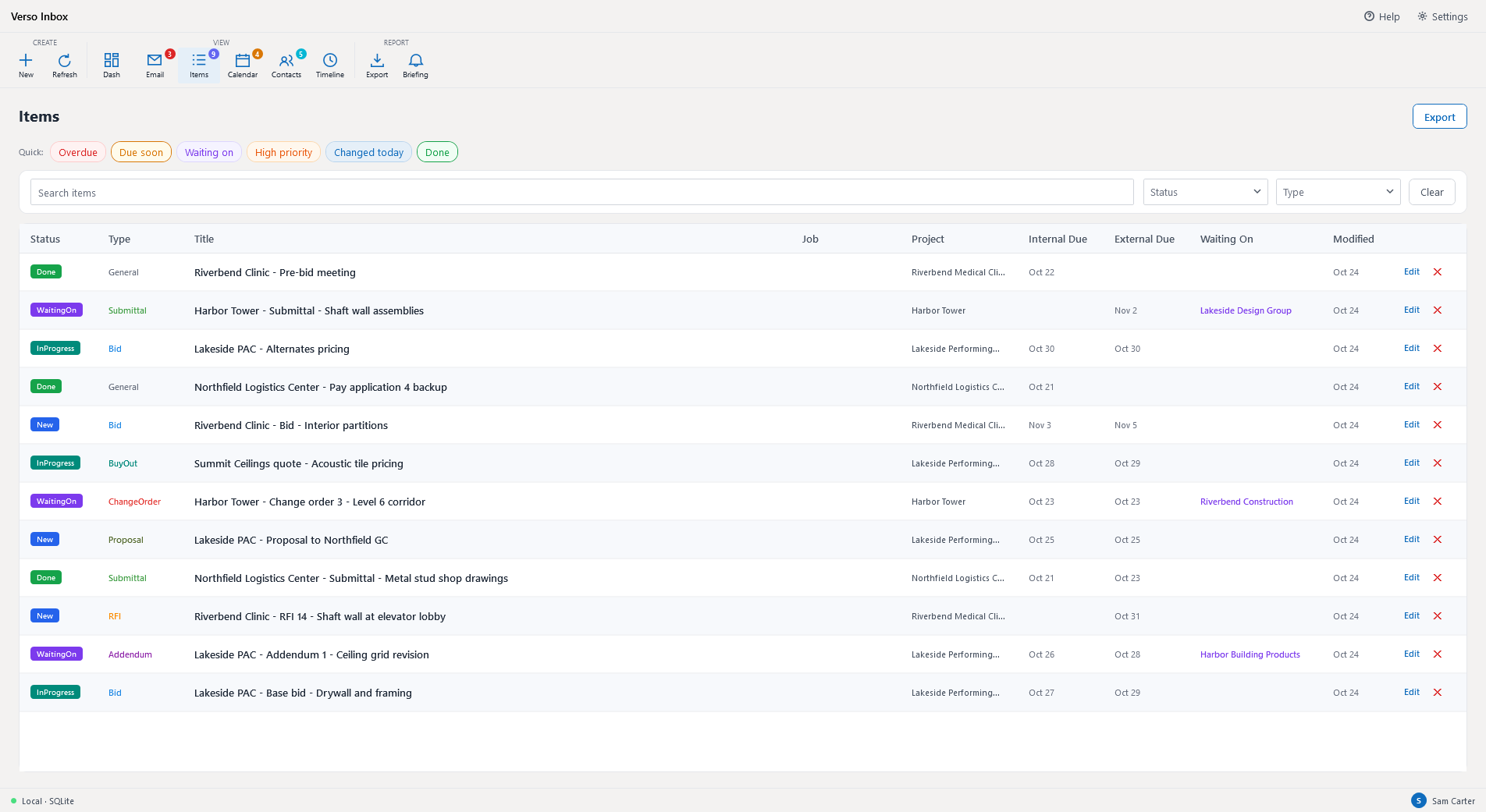
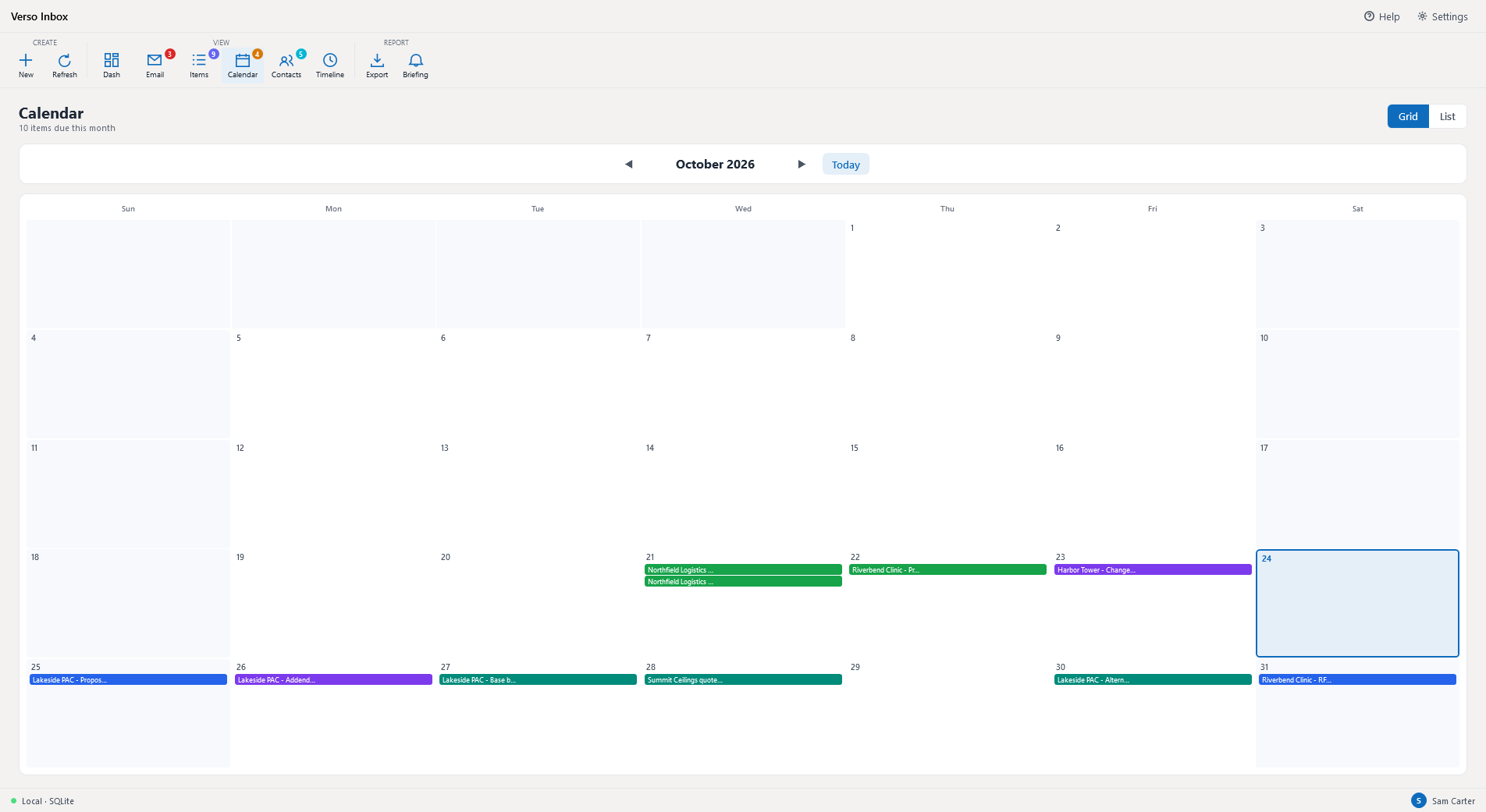
- The same items as a table with quick filters, as a calendar by due date, and as a timeline of every change; contacts build themselves from the mail you track.
- Exports to PDF or a workbook, the board or one item. Reminders for overdue items, stale waits and the day's due dates.
- Data on this computer, or on a company SQL Server for the whole desk. Beside Verso Plans, an item can be tied to a bid in the jobs library.
WHO IT IS FOR
- The estimator whose follow-ups live in a mailbox: the addendum waiting on a supplier's price, the RFI waiting on the architect, the proposal due Friday.
- Windows desktop, bought once; the 7-day trial needs no card. Works on its own, and beside Verso Plans.
SCREENSHOTS
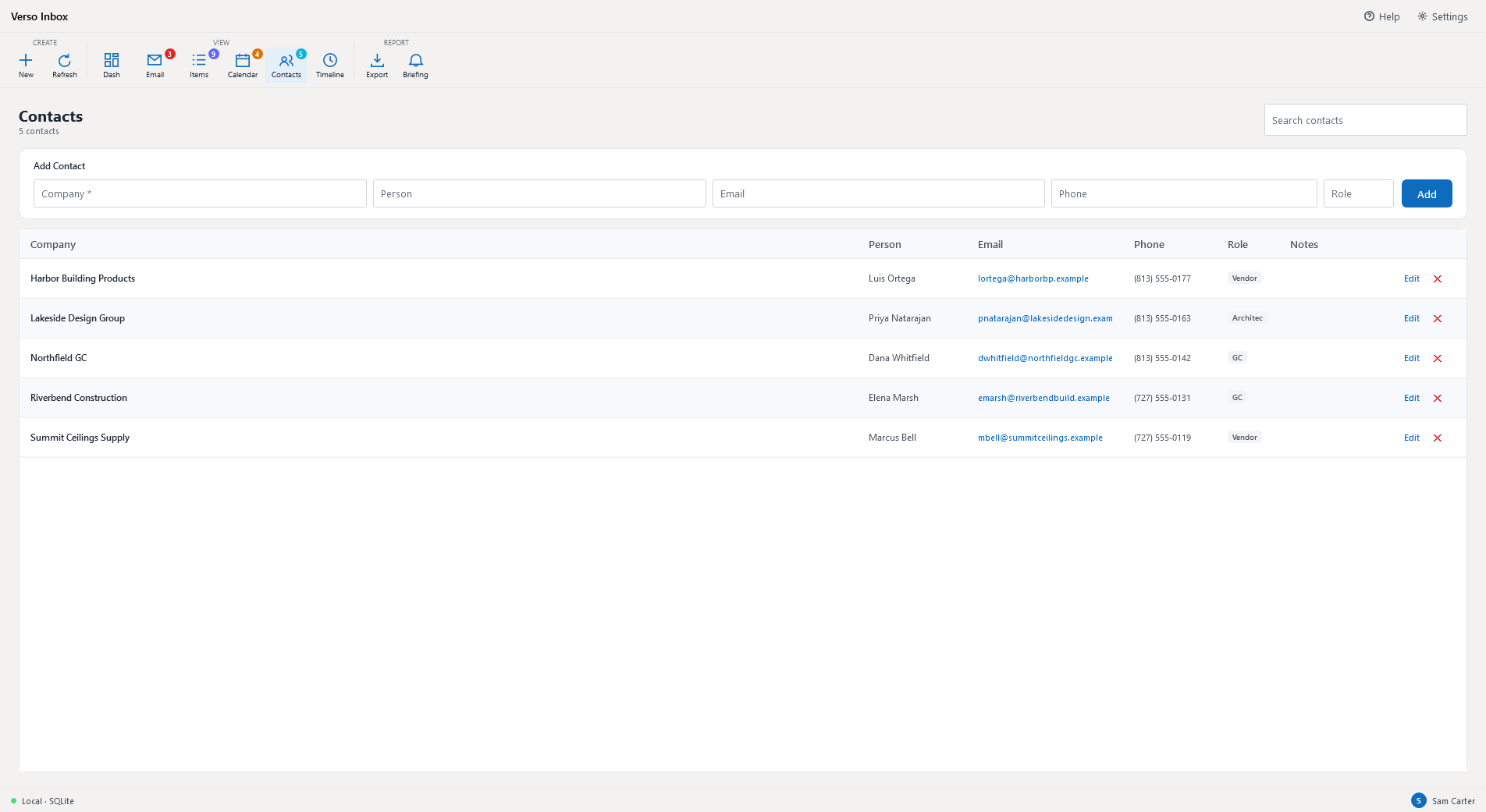
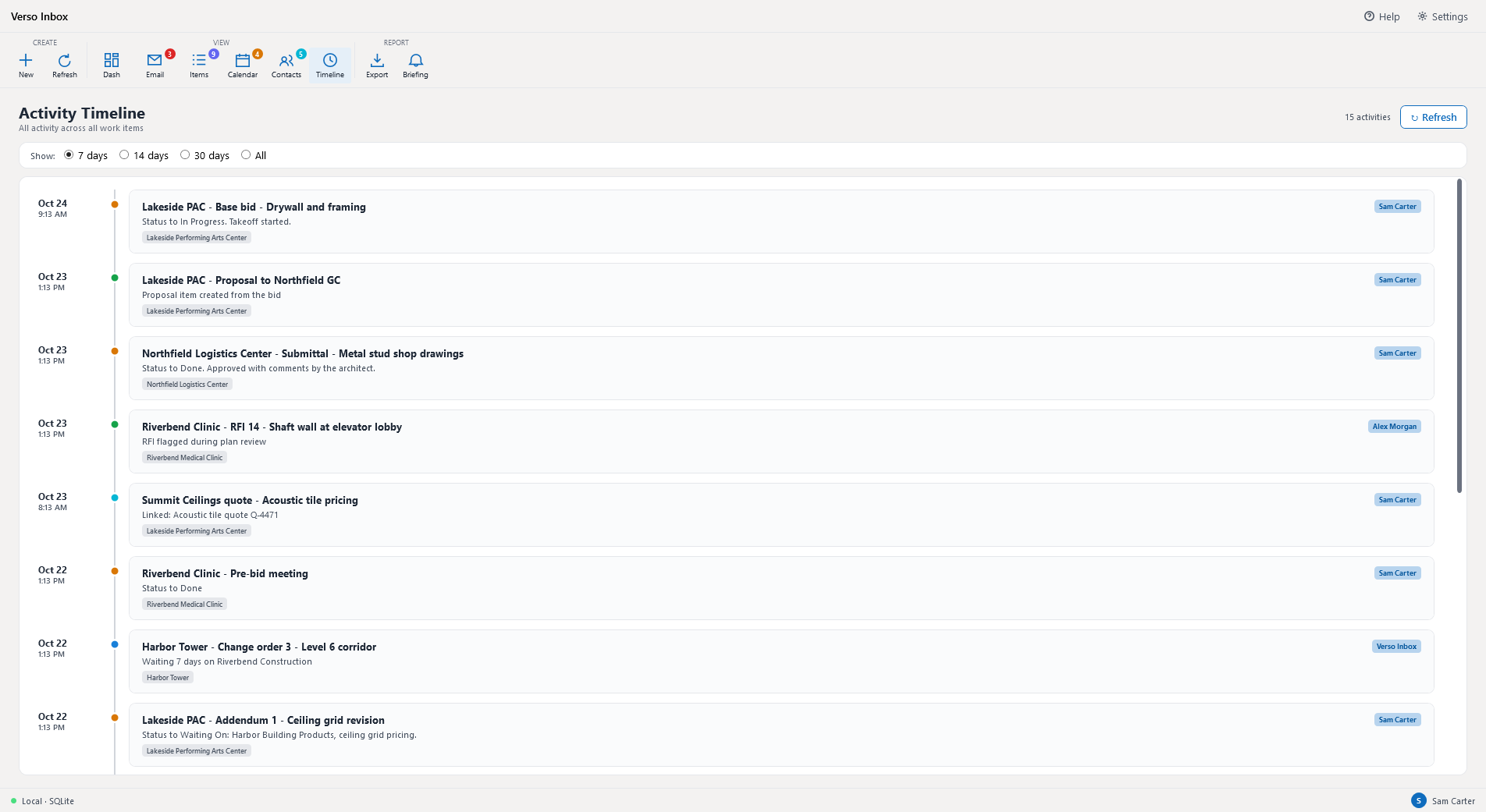
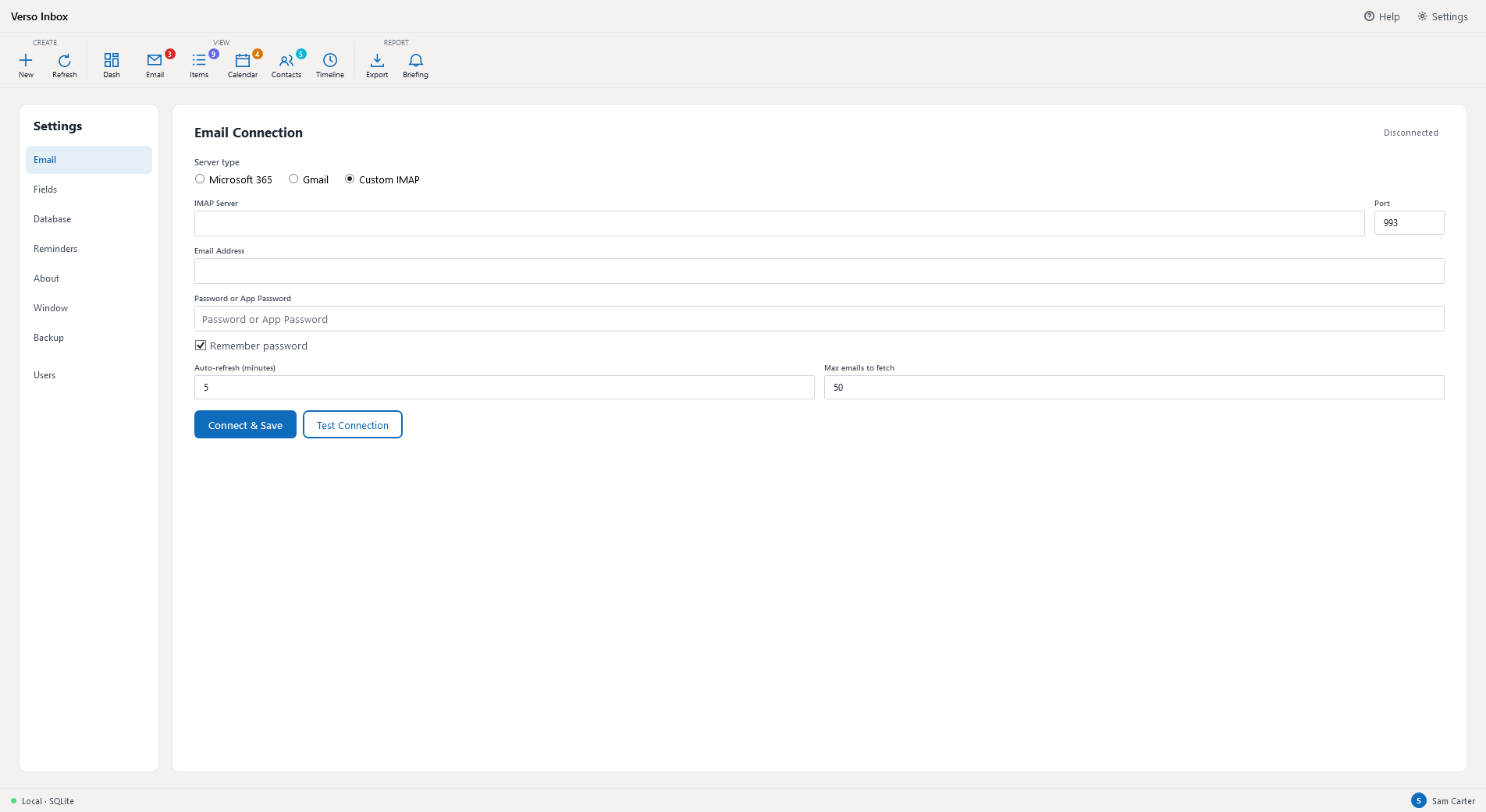
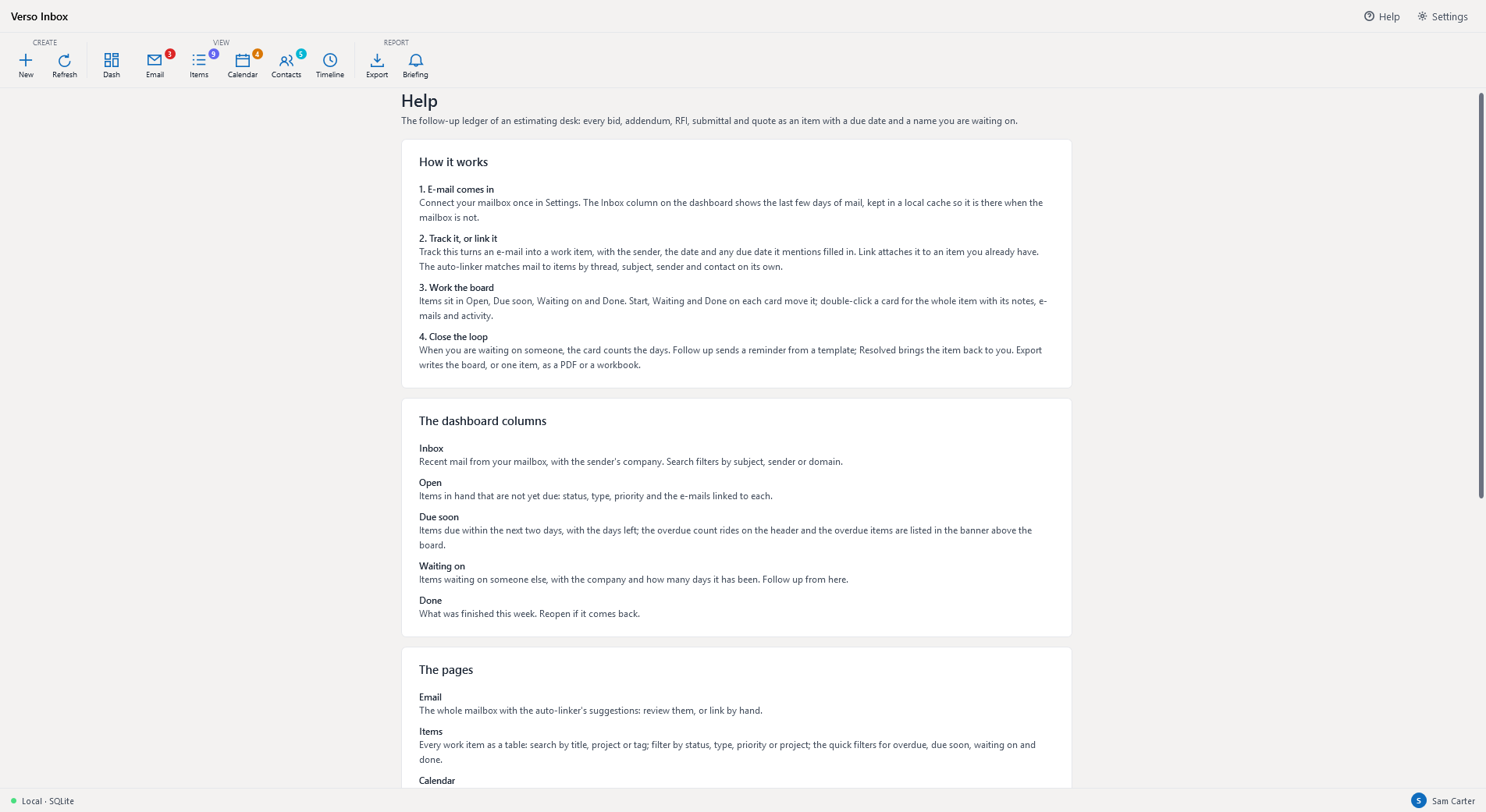
Every window above is the demo desk of an invented job, Lakeside Performing Arts Center, with invented people and contractors. The full description is on its page at deselt.com.
HELP
The first day
- Connect the mailbox in Settings, Email: Microsoft 365 with a sign-in, or any IMAP server with an app password. The dashboard's Inbox column fills with the last few days of mail and keeps a local cache of it.
- Track an e-mail with Track this on its card, or double-click it. The item opens with the sender, the date and any due date the mail mentions already filled in; pick the type and the project and save.
- Work the board. Start, Waiting and Done on each card move it; Waiting asks who you are waiting on, and the card counts the days from then.
- Follow up from a Waiting on card: a reminder from a template, sent from your mailbox and logged on the item.
The columns
Inbox is recent mail with the sender's company. Open is what is in hand and not yet due. Due soon is the next two days, with the overdue count on its header and the overdue items in the band above the board. Waiting on is what waits on someone else, with the company and the days. Done is this week's finished work. One sort and one set of filters apply to every column; Reset puts the board back.
Linking
Link attaches an e-mail to an item you already have. The auto-linker does most of it on its own, by conversation thread, subject keywords, sender domain and contact, and lists the rest as suggestions on the Email page to accept or dismiss.
Fields, reminders, exports
Settings, Fields is where the statuses, types and priorities and their colours live; add your own and the whole app follows. Reminders fire for overdue items, for waits that have gone stale and for the day's due dates. Export writes the board, a filtered list or one item as a PDF or a workbook.
One desk, one database
On its own, Verso Inbox keeps its data on this computer. Settings, Database points it at a company SQL Server instead, so a whole estimating desk shares one board with users and roles, backups and an activity timeline across the team.
Beside Verso Plans
An item can be tied to a bid in the Verso Plans jobs library. The link is by the job's id, so a renamed job stays linked, and the project filter on the board follows the job's name.
Requirements
Windows 10 or 11, 64-bit. A licence key from deselt.com, or the 7-day trial. A Microsoft 365 or IMAP mailbox for the e-mail features; everything else works without one.